Visual identity Web & Mobile AI collaboration

My Portfolio x Claude
— Creative process

Learning to use Claude as a tool and integrating it into my daily workflow as a UX/UI designer — while building a project that feels truly mine.

My role Solo UI/UX Designer
Duration 2 weeks
Tools Figma, Claude
My Portfolio x Claude — cover visual

Co-creating a portfolio that feels like me.

This project was born from two observations:

  • On Behance, designer profiles tend to blend together and rarely convey personality.
  • Integrating AI into a web designer's daily workflow has become essential.

A UX/UI Designer with a background in product management, I needed a portfolio that showcased my design skills as much as my product and marketing vision — while staying personal (no more templates!).

“Hey, what if I showed you how to use Claude Code? You could build yourself an amazing portfolio, all on your own.”
— A kind developer friend
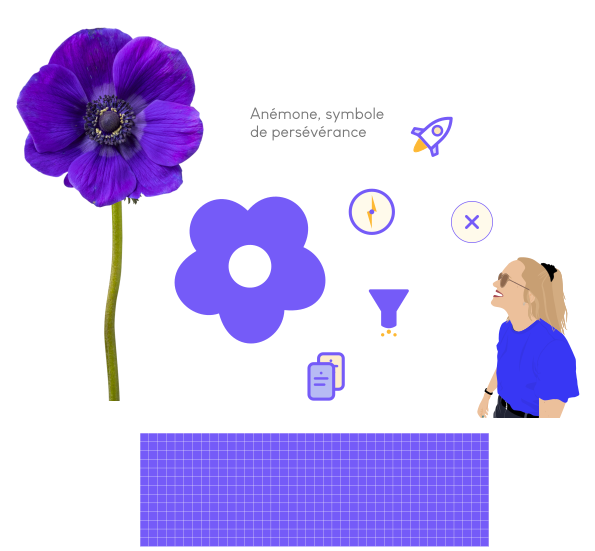
A glimpse of our creative duo

Me

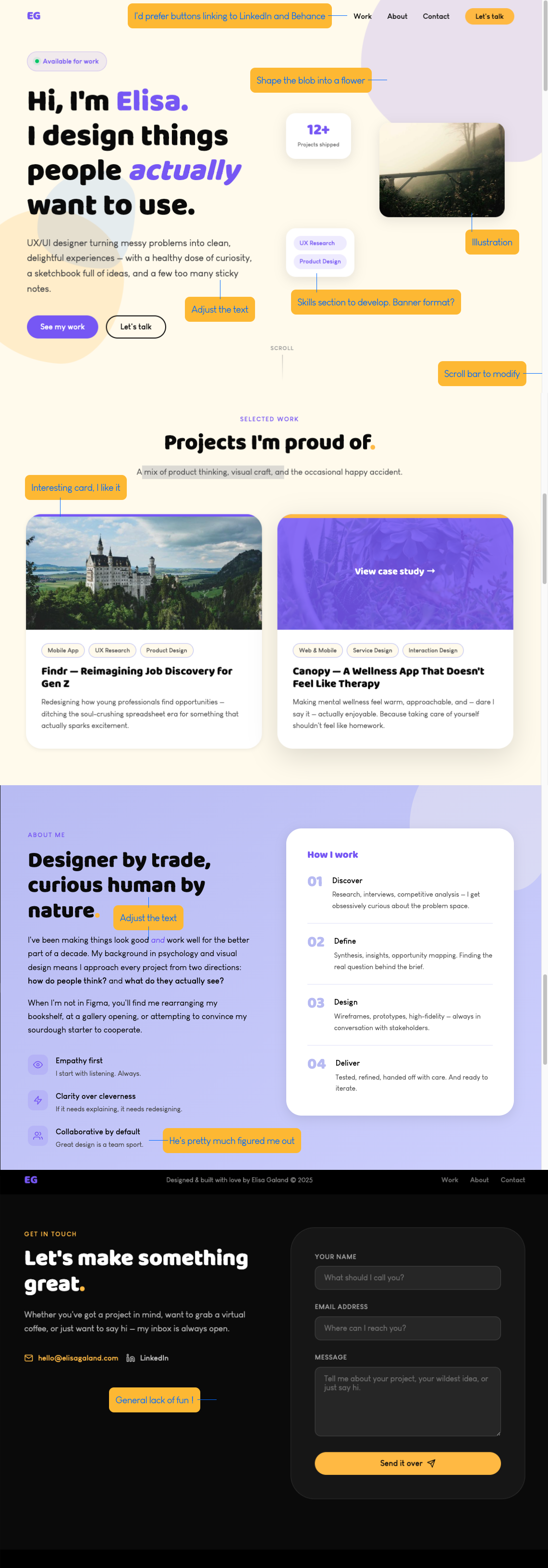
I need a hero that feels like me: warm, colorful following my palette, with the illustration I made on the right. The left side should announce what I do and make people want to know more.

Claude

Here's a first version: an "Available" badge, a two-line headline with a keyword in purple, a short subtitle, and a CTA "See my work". I placed your illustration on the right. Would you like me to change anything?

From blank page to live site.

1

Visual identity

  • Color palette
  • Typography
  • Illustration style
  • Overall mood: warm and professional

Claude turns my creative ideas into code and suggests alternatives when they hit dev limits.

2

Content & structure

  • Site and page architecture. Visual hierarchy
  • Copywriting
  • User flow
  • Defining problems and solutions

Each section tells a part of the story, and every section has its place to guide the visitor naturally.

3

Design & development

  • UI in Figma, code in Claude
  • Review, iterate, review, iterate
  • EN → FR translation
  • Next up: the mobile version

Nothing is set in stone on the first try. I share my feedback, Claude and I ask each other questions, and we refine it together.

4

Polish & launch

  • Portfolio, final final = never really final
  • Going live
  • Gathering user feedback
  • Iterating on what comes back

Polishing the details, the micro-interactions, the responsiveness… All those tiny things make the difference.

AI as a creative partner, not a shortcut.

Working with Claude isn't about automating a site's generation. It's a conversation, refining ideas, questioning choices until every last detail feels right.

Colors

Purple
#755BF8
Primary color

Signals creativity and inspiration.

Gold
#FDB833
Accent color

Brings enthusiasm and warmth.

Blue
#006AFF
Action color

Conveys trust and professionalism.

Periwinkle
#B7BBF4
Secondary color

Embodies calm and aesthetics.

Ivory
#FFFAEB
Background color

Softens the flatness of pure white.

Onyx
#0A0A0A
Text color

Adds a touch of mystery.

Typography

Primary font Aa Baloo Used for titles and subheadings.
Secondary font Aa Louis George Cafe regular Louis George Cafe bold Louis George Cafe italic Used for uppercase section labels, and as the typeface for body text, footer, buttons and quotes.

Typographic hierarchy

Main heading

Section label

Subheading

Body text

Caption

Illustrations

Portfolio illustrations

From rough draft to the live version.

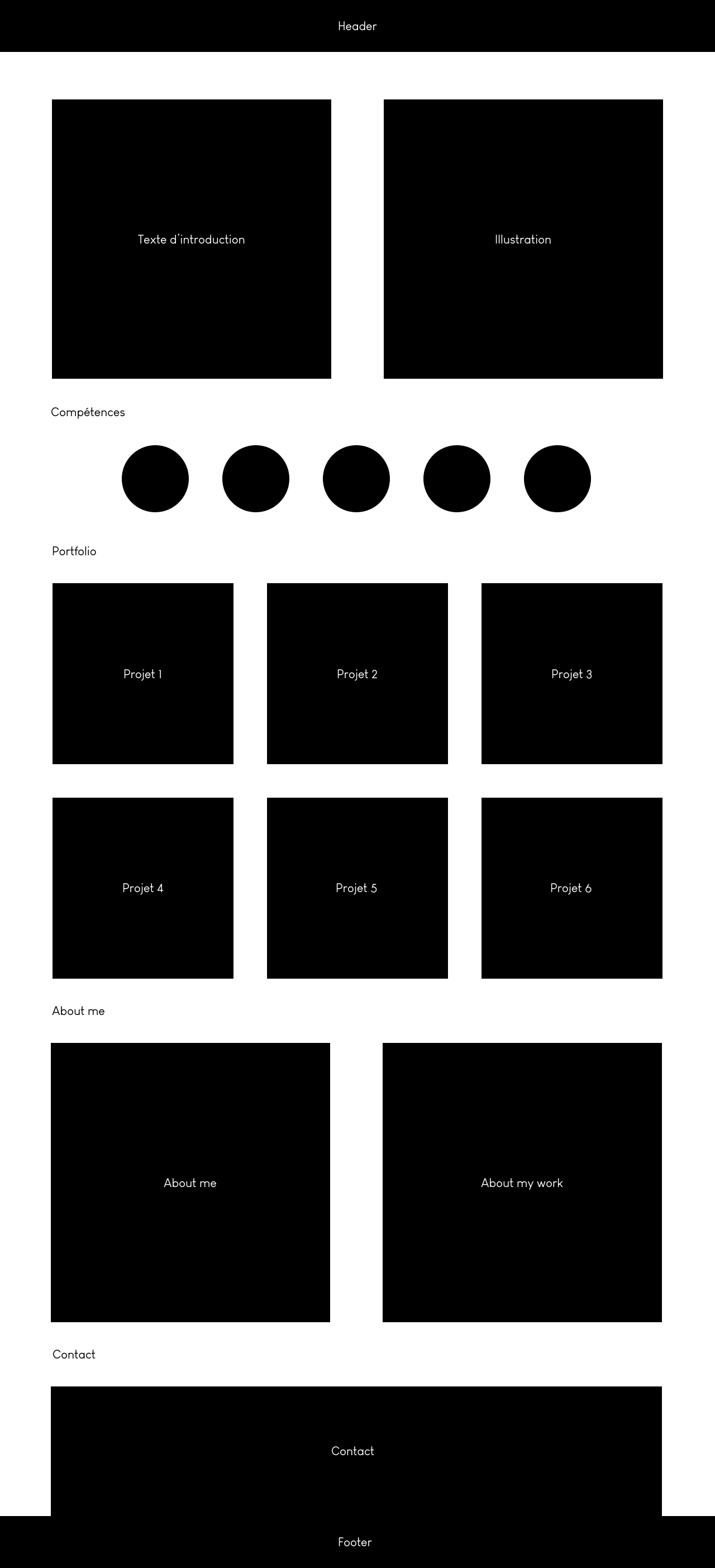
V1 — low-fidelity portfolio wireframes
From low-fidelity wireframe…
V2 — high-fidelity portfolio wireframes
…to Claude's first draft

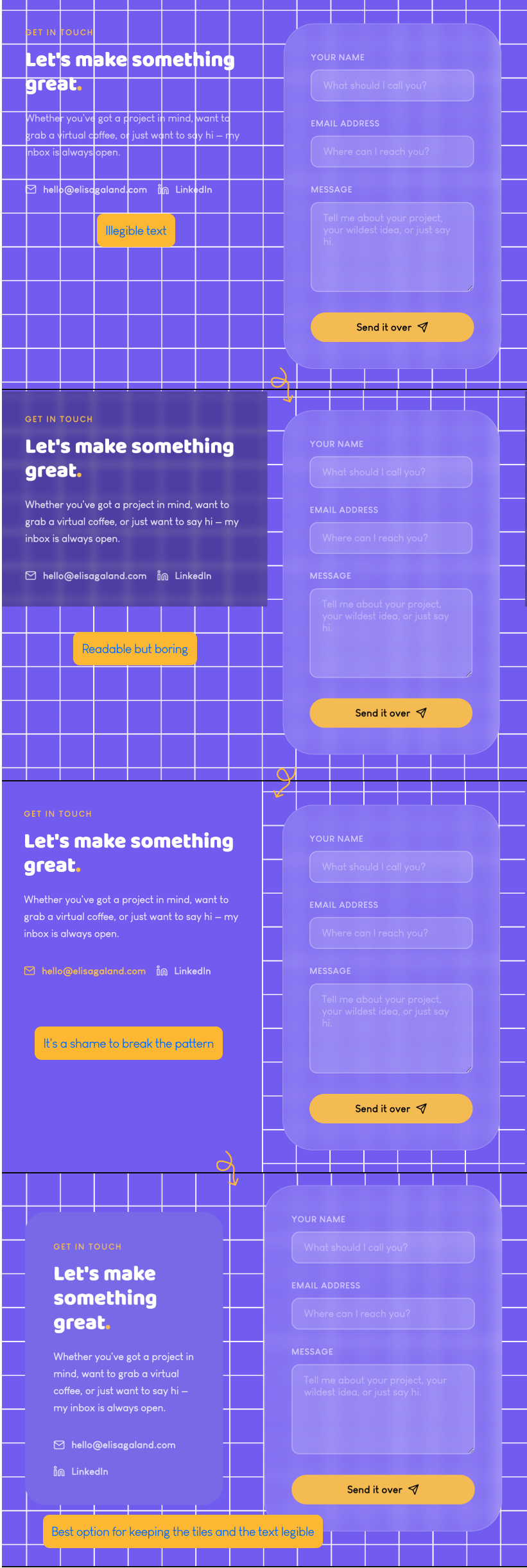
One idea. A few sentences to describe it. Thirty seconds to get a preview. This ultra-short loop changes everything: more testing, less second-guessing, faster paths to the version that works.

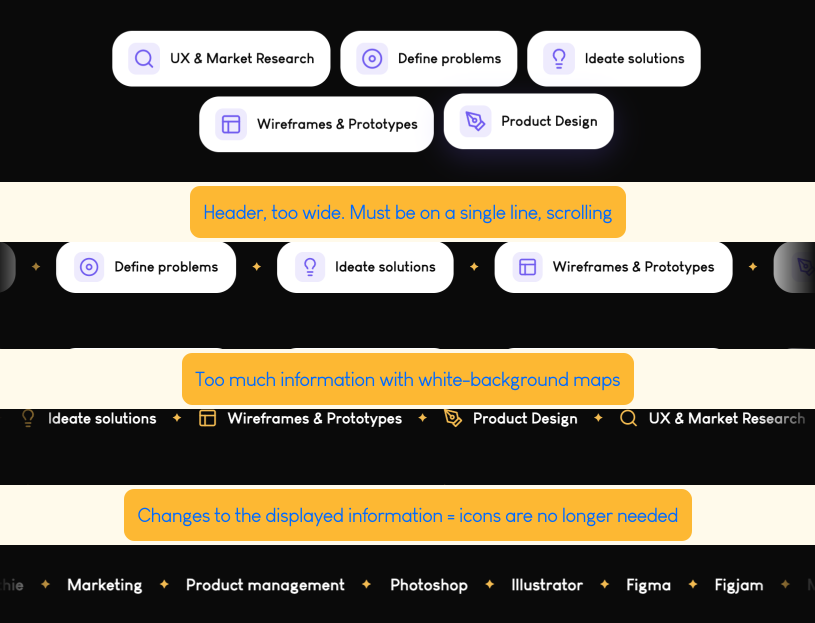
Iteration example — portfolio screen evolution
Iteration example — second portfolio screen

What Claude taught me

Beyond the result, this project taught me as much about AI as about the way I design. Here are the four lessons I'm taking with me — until the next ones come along.

Briefing is a skill

Working with AI is a skill in its own right: the quality of the output depends on the quality of the prompt. You have to be precise and accept that briefing is designing.

Learning never stops

Every exchange with Claude taught me something — about code, design, accessibility, or how to frame an idea. A true learning companion.

Endless iteration (almost)

AI's speed lets you explore more directions in less time. You can test, adjust, start over — without the fatigue of manual code and design.

Opening up to AI

This project proved to me that AI can be a powerful creative accelerator when the vision is clearly defined and the design fundamentals are solid. The designer stays in charge, but everything flows more easily.

Next project

Barré Studio — Simplifying a "barré" world

Simplifying the user interface to refocus the experience on the quality of projects.

View the case study →